

Smartsheet
Design System
As the first designer hired onto Smartsheet’s design systems team in 2020, I helped shape the system as it evolved from an initial visual refresh into a more scalable, token-driven system to support product teams across a wide range of feature areas, helping them stay aligned and accelerate their work. Smartsheet is a deeply complex product: an enterprise work management platform used by teams across 85% of Fortune 500 companies, supporting everything from project and portfolio management to automated workflows, dashboards, reports, forms, and integrations. Over nearly six years, I contributed across the full system: components, patterns, documentation, iconography, illustrations, motion, and the overall visual language used across the product.
Role
Product Designer
TIMELINE
2020-2026
Responsibilities
Designed, built, and maintained design system libraries for 80+ components and patterns in Figma using tokens, variants, styles, variables, auto layout, etc.
Created documentation and supporting resources for designers and engineers to improve system understanding and adoption.
Owned the design process for iconography, illustration, and motion within the system.
Partnered with product teams to identify, prioritize, and contribute new components and patterns to the design system.
Engaged in weekly office hours, spec reviews, and direct consultations with product designers to ensure proper component usage across projects.
Integrated AI tools into design workflows to accelerate documentation, prototyping, and design-to-dev handoff.

V1 Lodestar Design System
TIMELINE
2020-2022
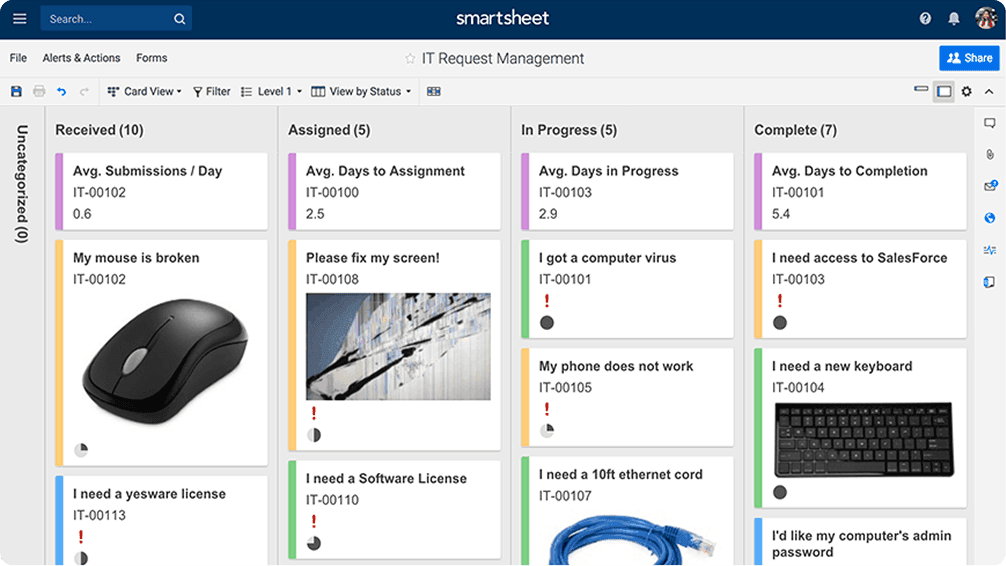
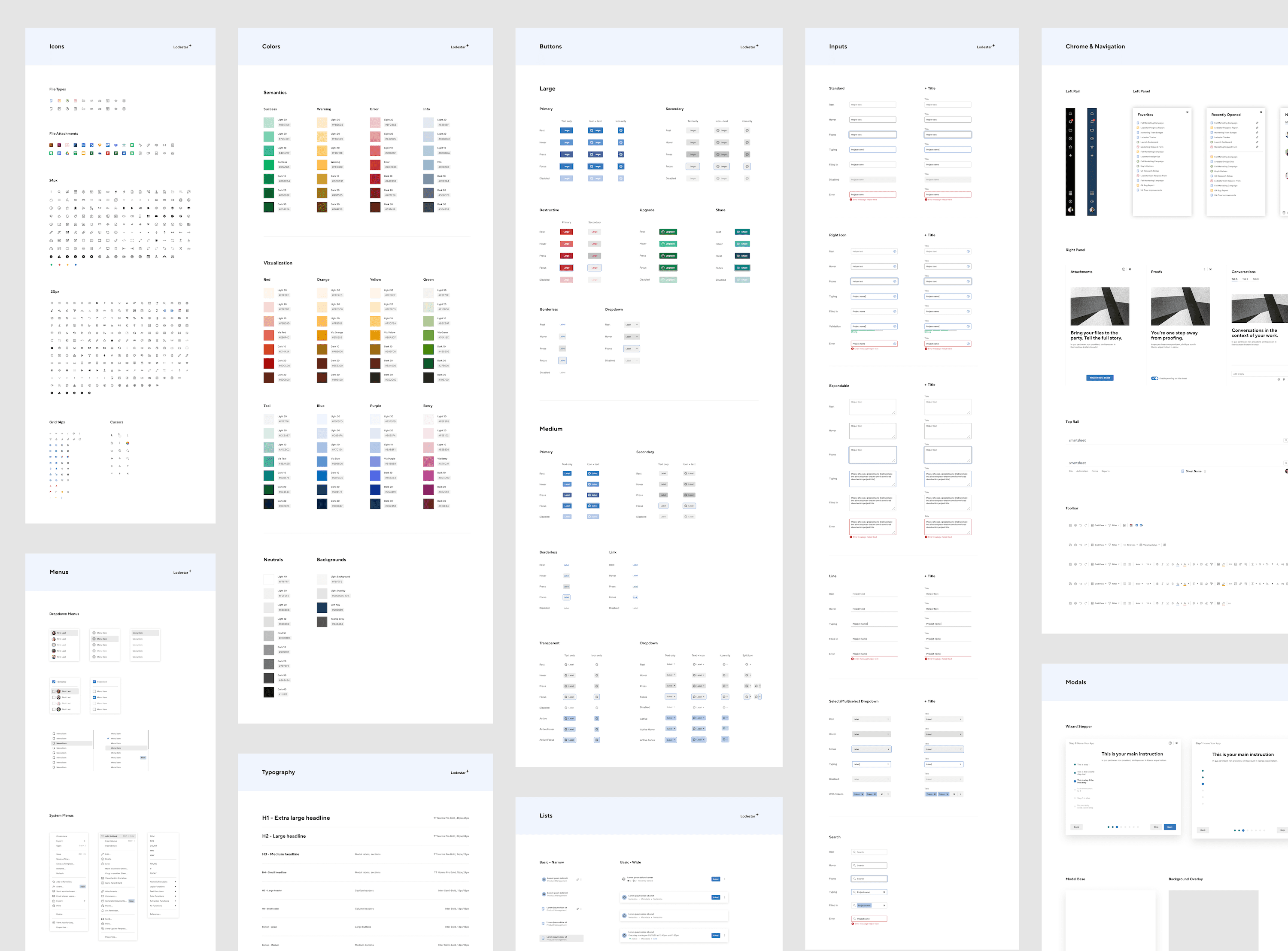
Lodestar was the first major redesign of Smartsheet’s visual system since 2005, created in collaboration with a design agency to establish Smartsheet’s new visual direction. My work focused on translating the new visual language into a usable system for product teams. This included building refreshed component libraries, 500+ icons, illustrations, typography, and new color palettes. Lodestar was primarily a visual refresh of existing components, but it created the momentum and shared language needed for the system’s next phase — Ursa.
Lodestar also marked a major workflow shift for the UX org. My manager and I advocated for the transition from Sketch and Zeplin to Figma. I helped support the change by leading training sessions for 50+ designers and product managers, creating onboarding materials, and introducing designers to the new design system workflow. This work helped teams ramp up faster, adopt the new tool with more confidence, and establish a shared foundation for collaboration in Figma.

V2 Ursa Design System
TIMELINE
2022-2026
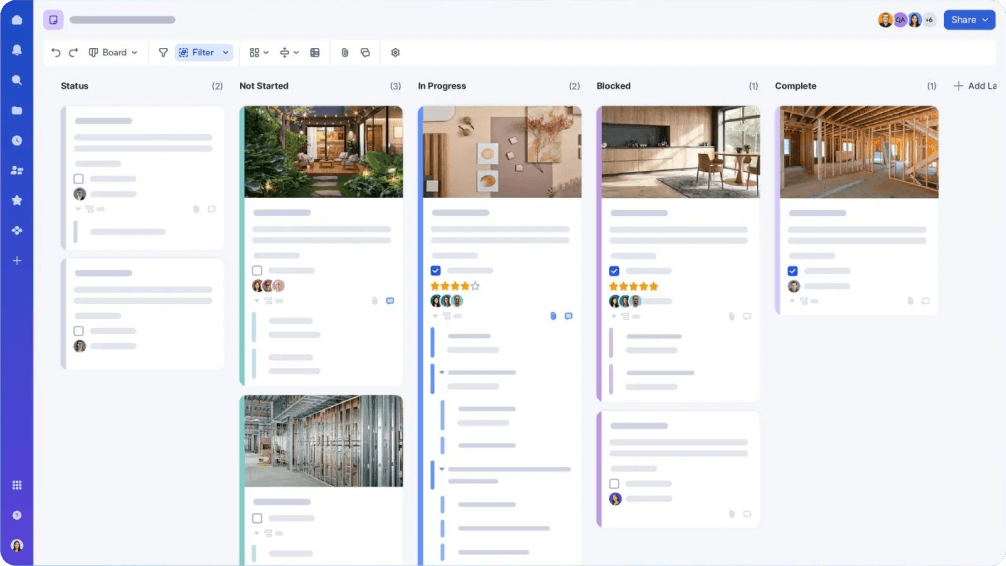
Ursa represented the next evolution of Smartsheet’s design system. It introduced a more refined visual language, while establishing a solid foundation optimized for scalability and long-term growth through the use of design tokens, reusable patterns, and comprehensive documentation. Our team re-built the design system from the ground up, delivering new components, icons, illustrations, color palette, type ramp, accessibility, spacing scales, and more.
Tokens & System Architecture
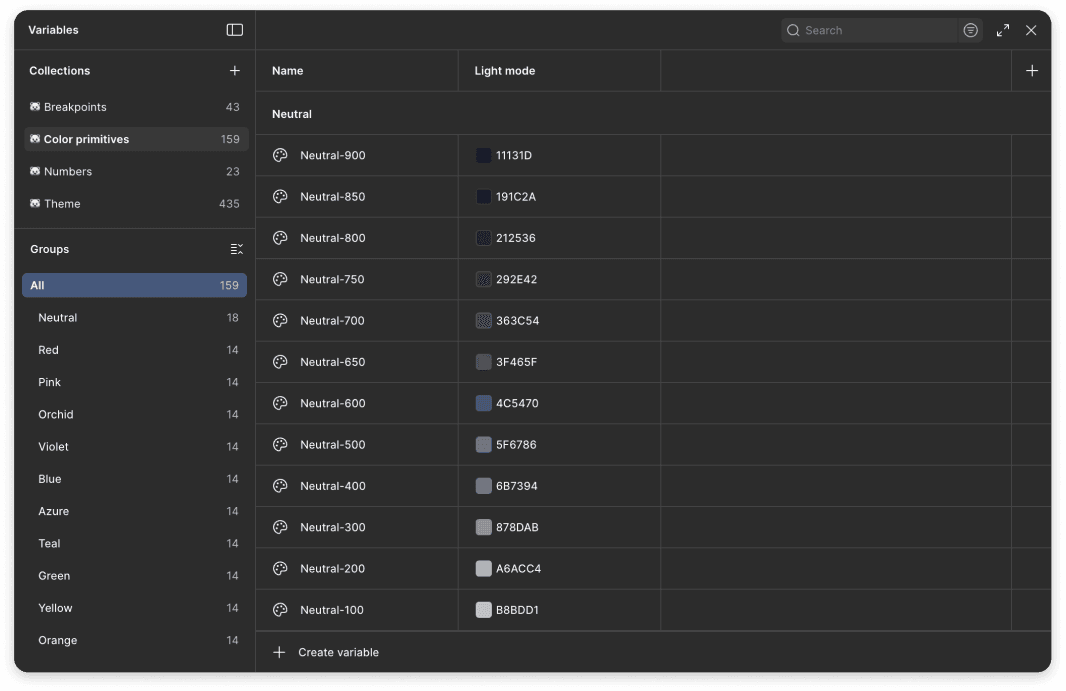
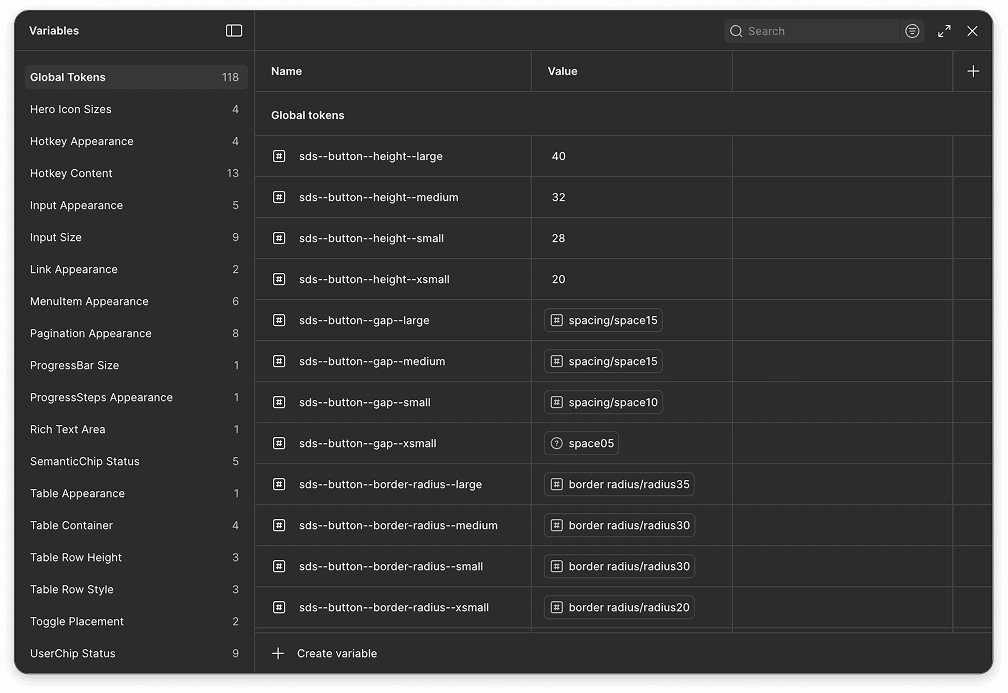
A major part of Ursa was moving toward a token-based foundation. Our team defined colors, typography, spacing, border radius, and more with the use of tokens. Creating a standard set of tokens allowed us to provide consistency throughout the product without relying on hard-coded hex codes and pixel values.
We structured the system across primitive, semantic, and component-level tokens. This effort improved the way engineers made global changes with minimal effort and allowed us to enable color theming more efficiently, a result demonstrated through the docsite redesign I led with light and dark mode.

Governance & Adoption
I found the core challenges of systems work to be governance and adoption. Teams needed standards they could trust, but they also needed enough flexibility to solve their feature-specific problems without creating one-off patterns that could compound into bigger issues over time. When a team was under tight deadlines and couldn't find a component that fit their needs, building something custom was often the "easiest" path which lead to maintenance debt and inconsistent experiences.
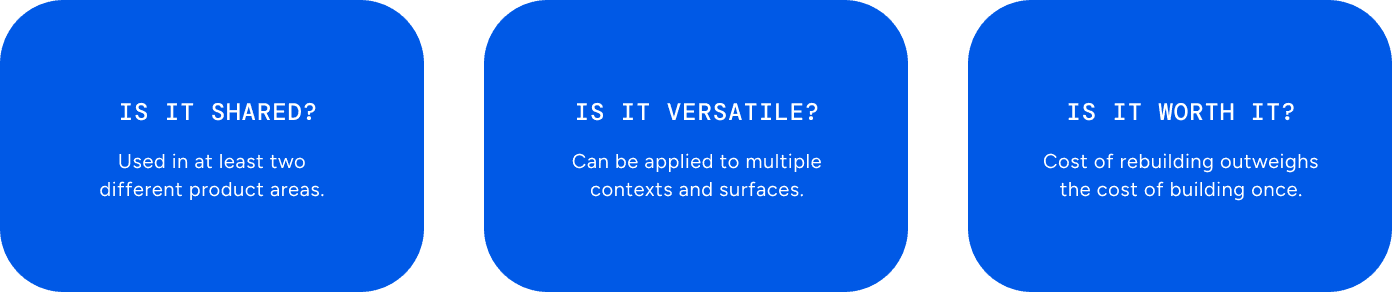
Our team aimed to reduce these instances by communicating the cost of divergence early and often, making it clear that short-term shortcuts created long-term problems for everyone. We shared our process for evaluating what qualified as a candidate for the design system, helping teams understand the difference between a one-off solution and a pattern worth standardizing. Rather than policing, we aimed to have a collaborative dynamic that made teams feel like contributors to the system rather than just consumers of it.
AI Workflows
Accessibility specs & Documentation with Google Gemini
Our team used Google Gemini to assist with writing component documentation and accessibility specifications, which are two areas that are essential to a healthy design system but can take some time to produce consistently. Our manager established the initial framework for how we used the tool, defining the structure and prompting approach that helped us generate consistent and thorough documentation for components and patterns. This allowed the team to spend less time writing and more time on the design work.
Production Ready Code with Figma MCP & Cursor
Our design technologist built an internal playground tool that let designers convert Figma designs directly into production-ready code using Cursor or VS Code via Figma's MCP server. Using our design system components throughout, designs could go from Figma to code with little to no engineering effort.
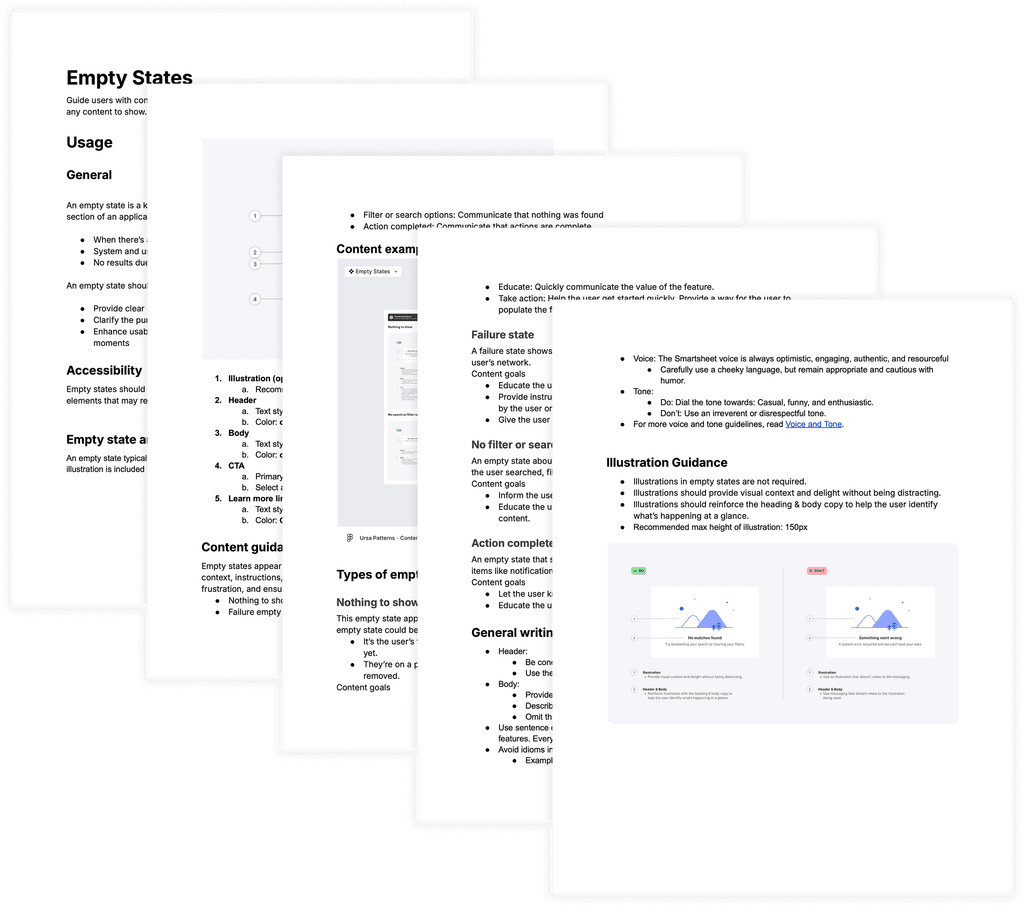
I tested the workflow firsthand by taking our empty state pattern from Figma and converting it directly into the codebase using Cursor. What would typically require back-and-forth with an engineer happened in a fraction of the time, with the output already connected to our design tokens & components.
Figma Component Optimization Project
I collaborated with my manager and another designer to streamline our design system components in Figma by maximizing the use of variables, modes, and properties. We aimed to improve the organization and presentation of components to make them easier for our design team to navigate, update, and maintain over time.
TIMELINE
1 Month
The Problem
As our design system grew, the Figma component libraries had become bloated and slow, making them increasingly difficult for design system designers to navigate and maintain.
The Solution
We audited our existing component libraries to identify redundancy, unnecessary frames, and structural inefficiencies. From there, we simplified how components were constructed using variables, modes, and properties, without losing any existing functionality. We redesigned how components were organized and presented within the library, creating a cleaner visual layout that made it easier to browse, understand, and use at a glance.
Key Outcomes
60% fewer frames (previously 70,026 frames, down to 28,972).
Faster component library updates.
Faster load times for design files.
Easier long-term maintenance for design system designers.
New visual layout for displaying components in Figma libraries.
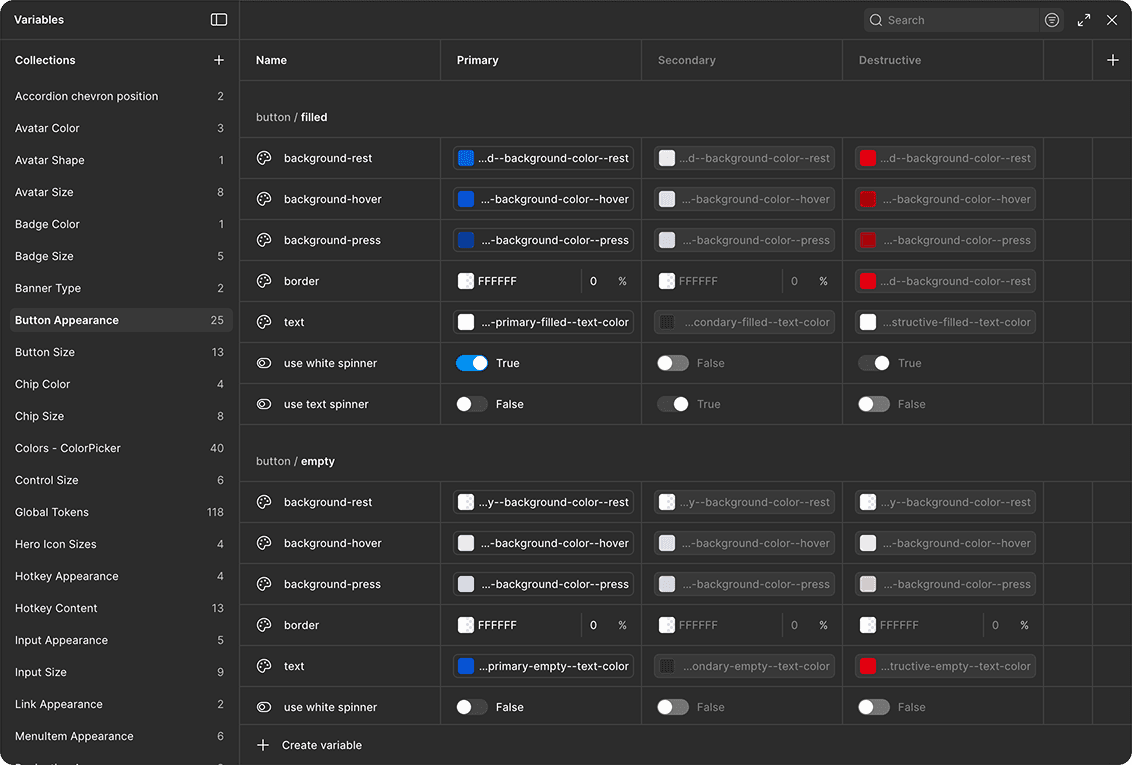
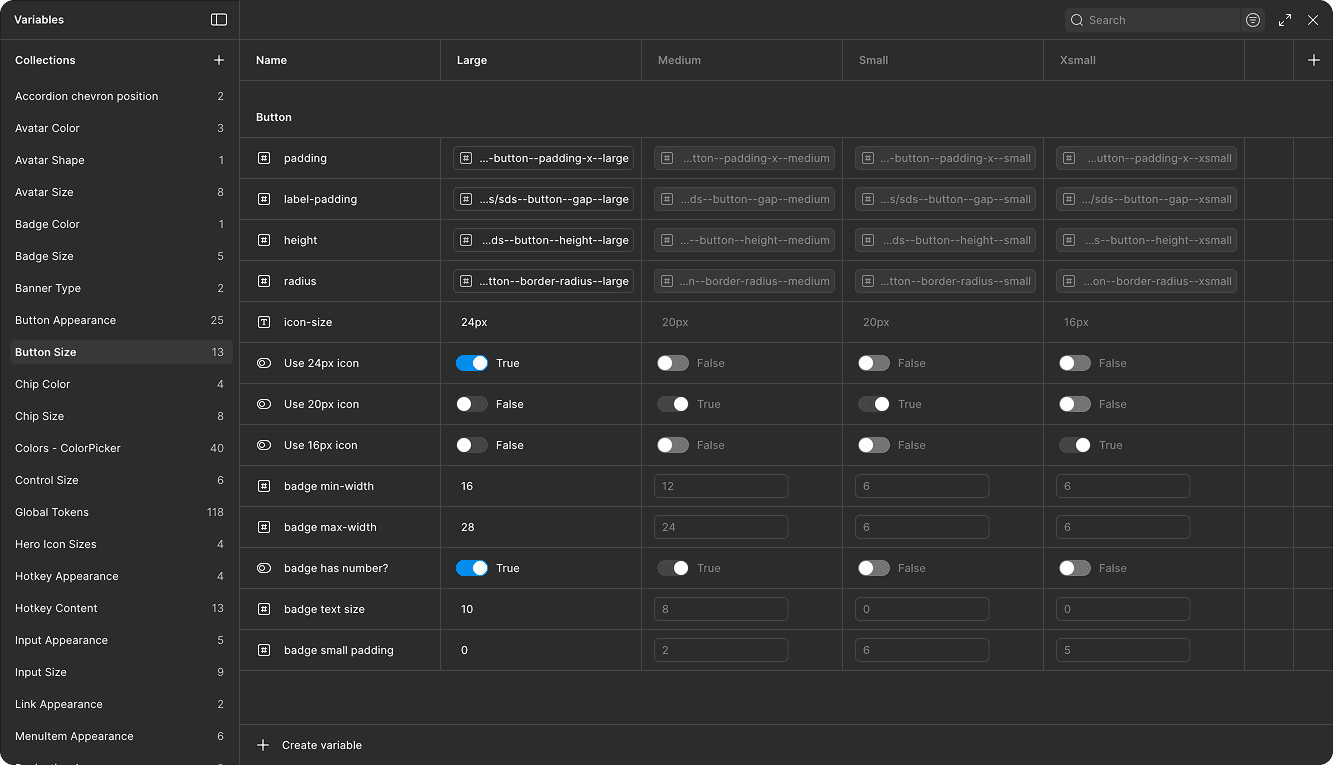
Example of how we maximized the use of variables & modes to reduce the number of button components.
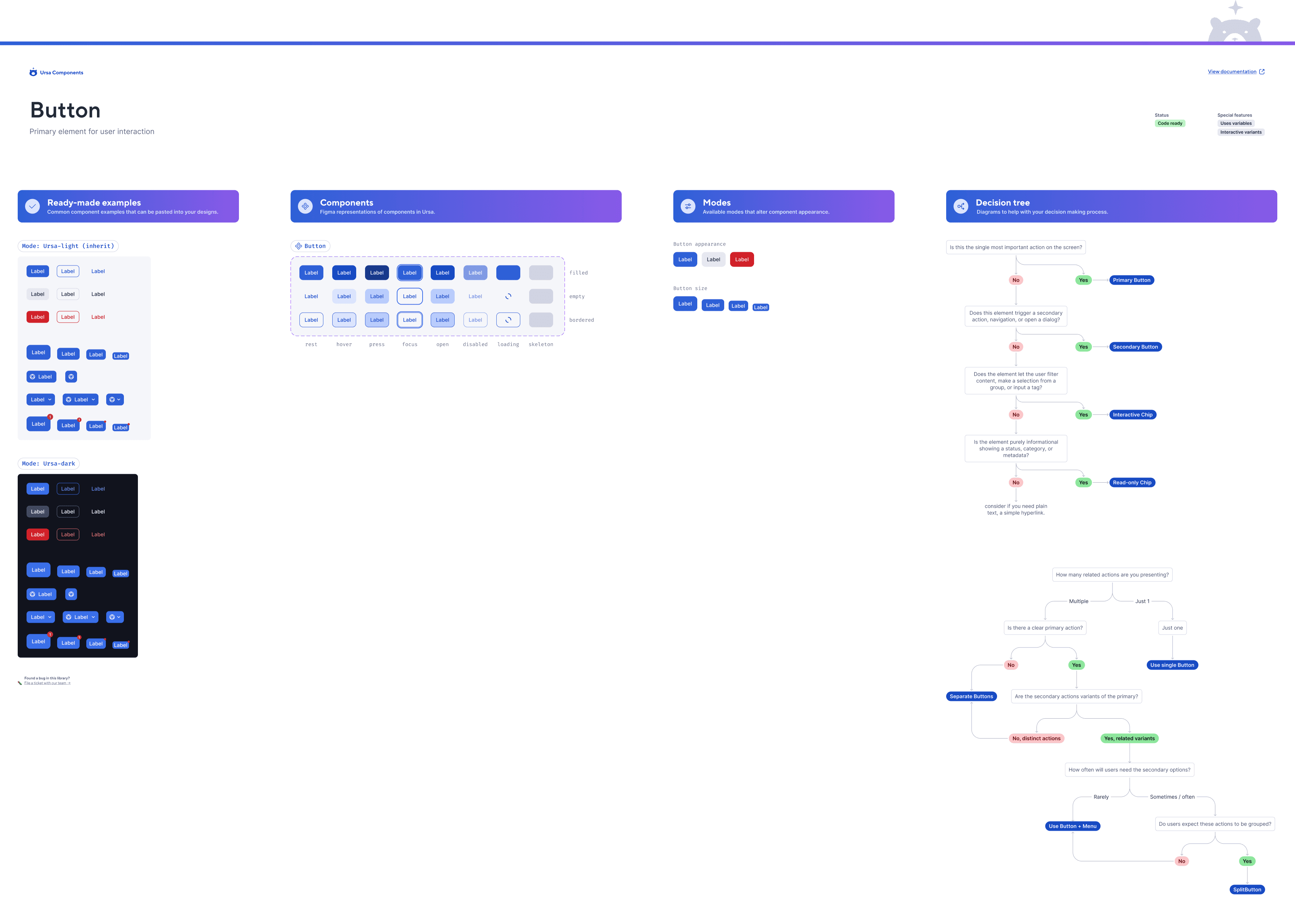
Example of new component organization and how their information is displayed in the library.
Password required to view
Want to see more?
I would love to discuss more about my work and processes during my time on the design systems team. Please reach out via email at so.minna@gmail.com.