
Smartsheet
I led the most recent redesign of Smartsheet’s illustration language, modernizing dated styles to align with our new design system, Ursa. Partnering closely with the Brand Studio team from the marketing organization, I guided collaborative design sessions to explore diverse visual directions with the goal of elevating & polishing our visuals while using illustrations as an opportunity to add delight across product interfaces and marketing assets.
Role
Lead Visual Designer
The Problem
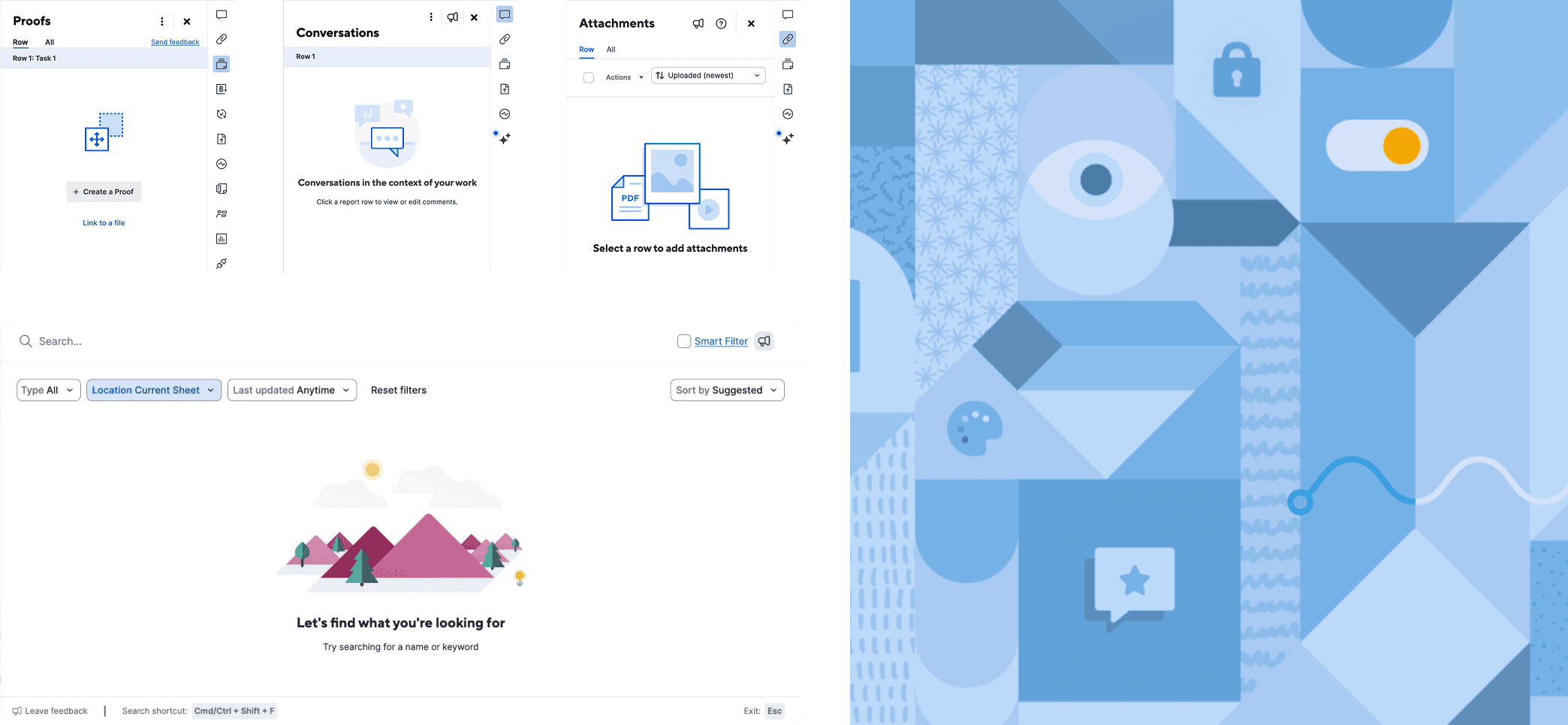
Existing illustrations (shown below) were a mix of legacy empty states and illustrations previously designed by the Brand Studio team, resulting in a disjointed visual style that was in need of alignment into a cohesive visual style.
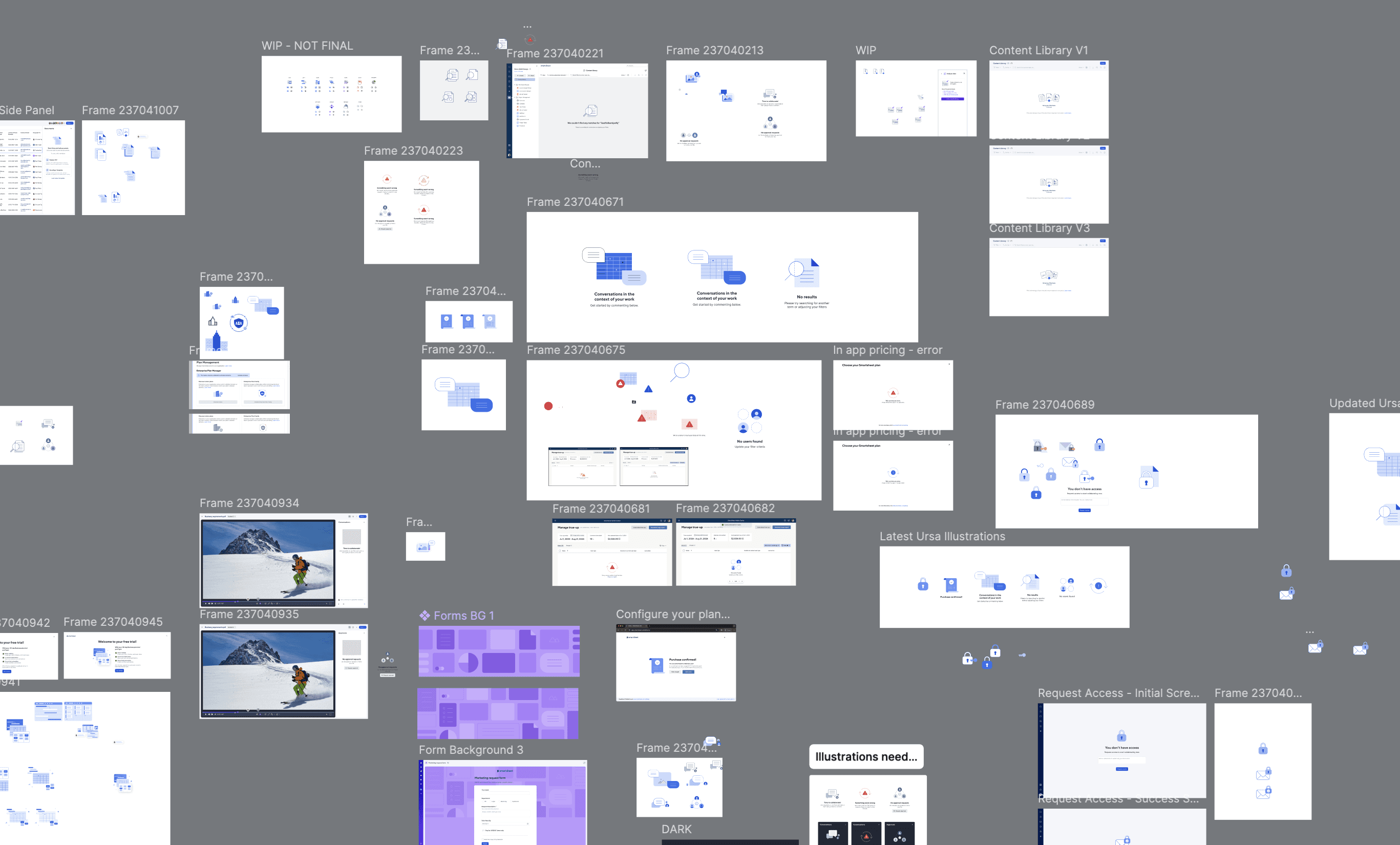
Explorations looked like lots of frames, messy Figma files, and multiple feedback loops with stakeholders.
Introducing a new illustration style
A modernized & cohesive illustration style was established that allowed flexibility for various use cases in product interfaces and marketing assets.
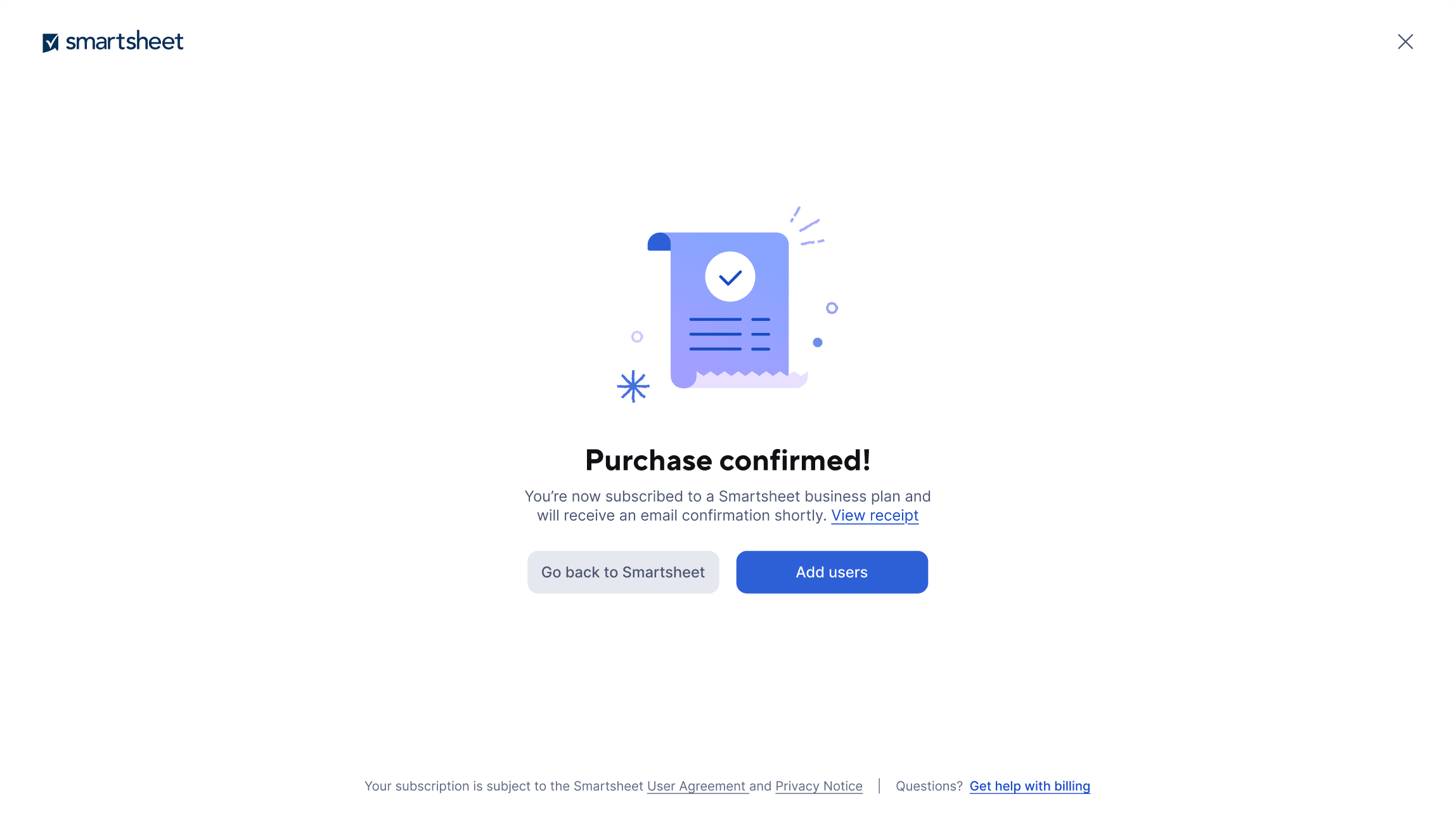
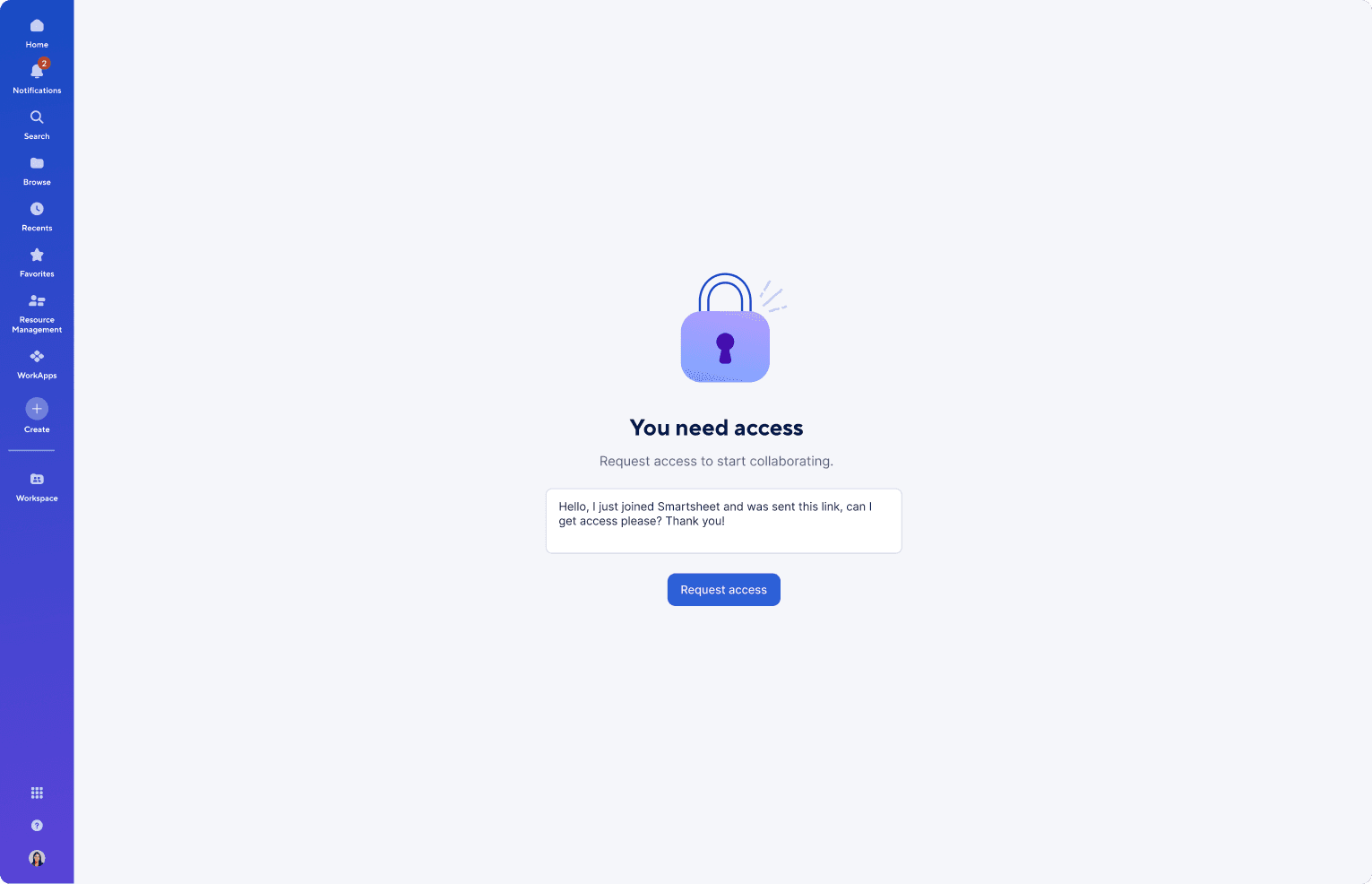
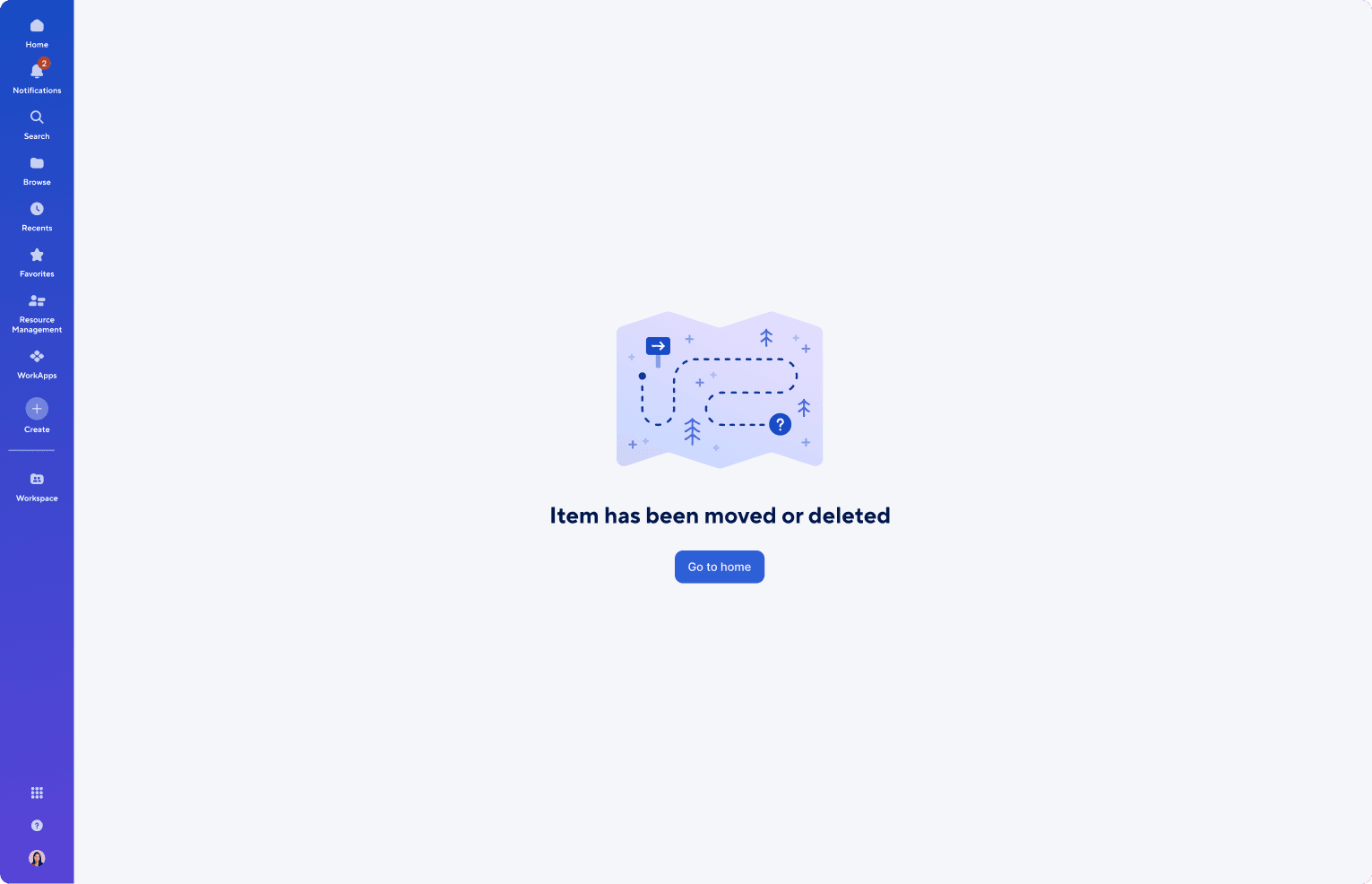
Empty states
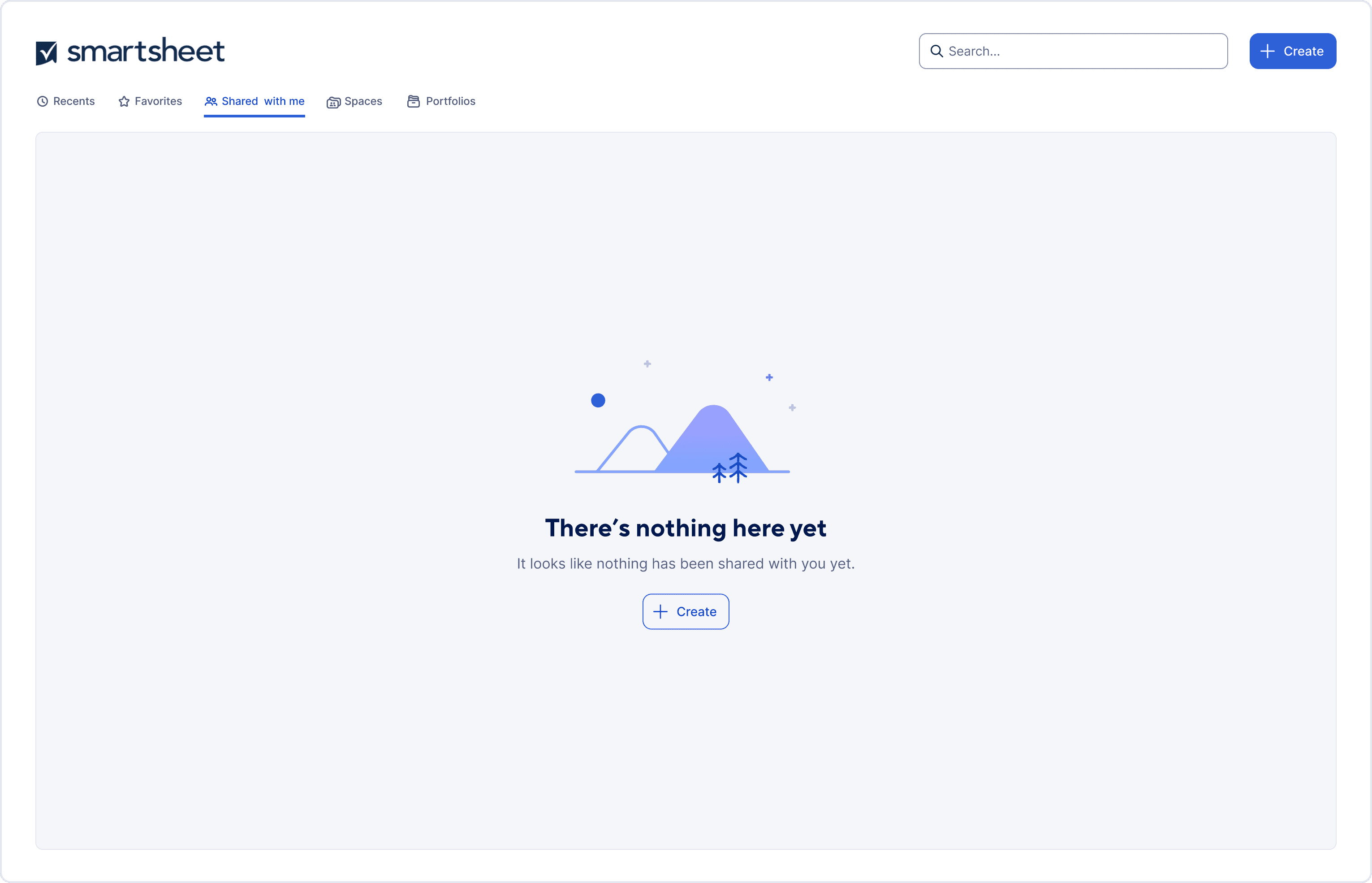
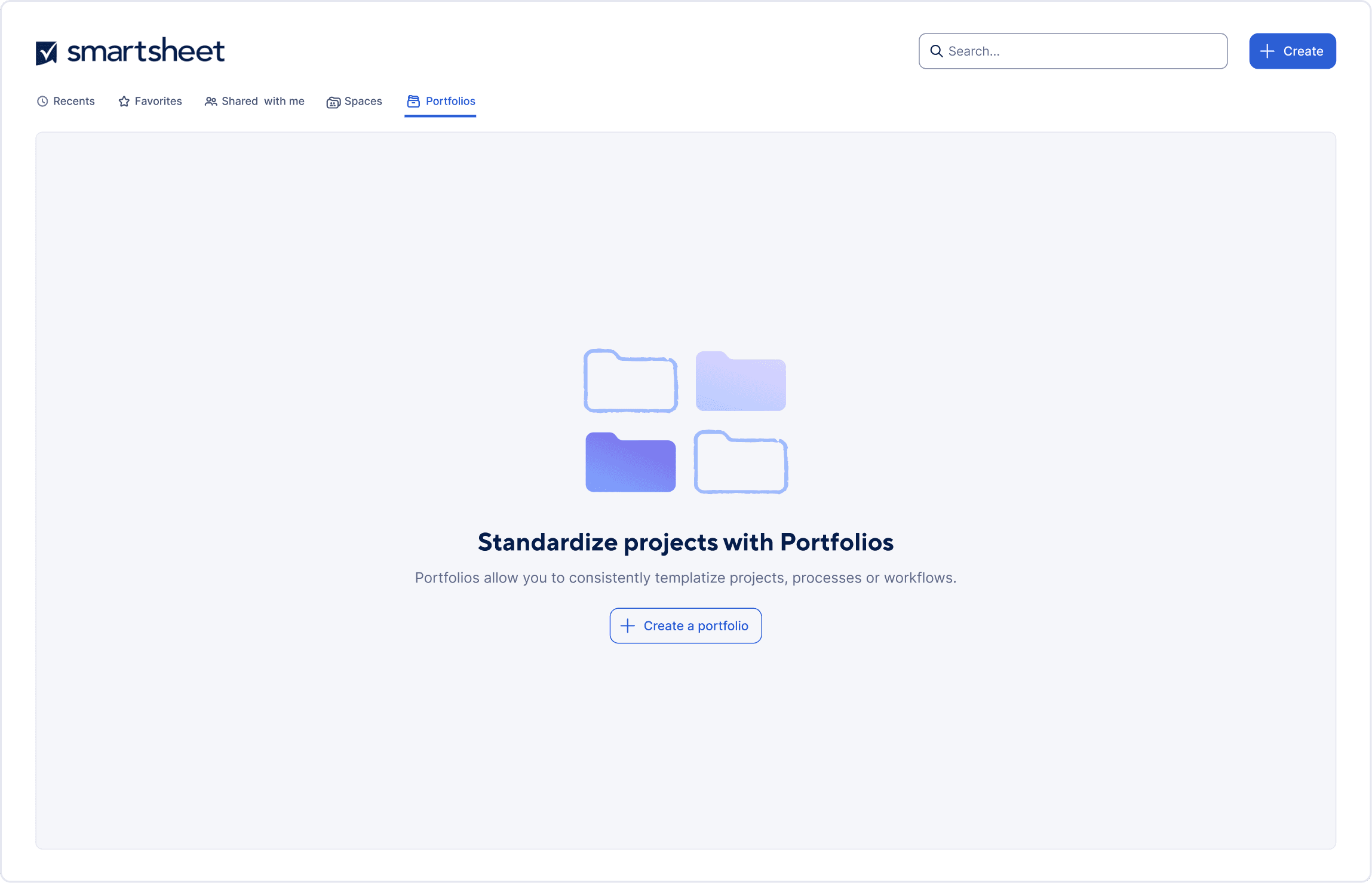
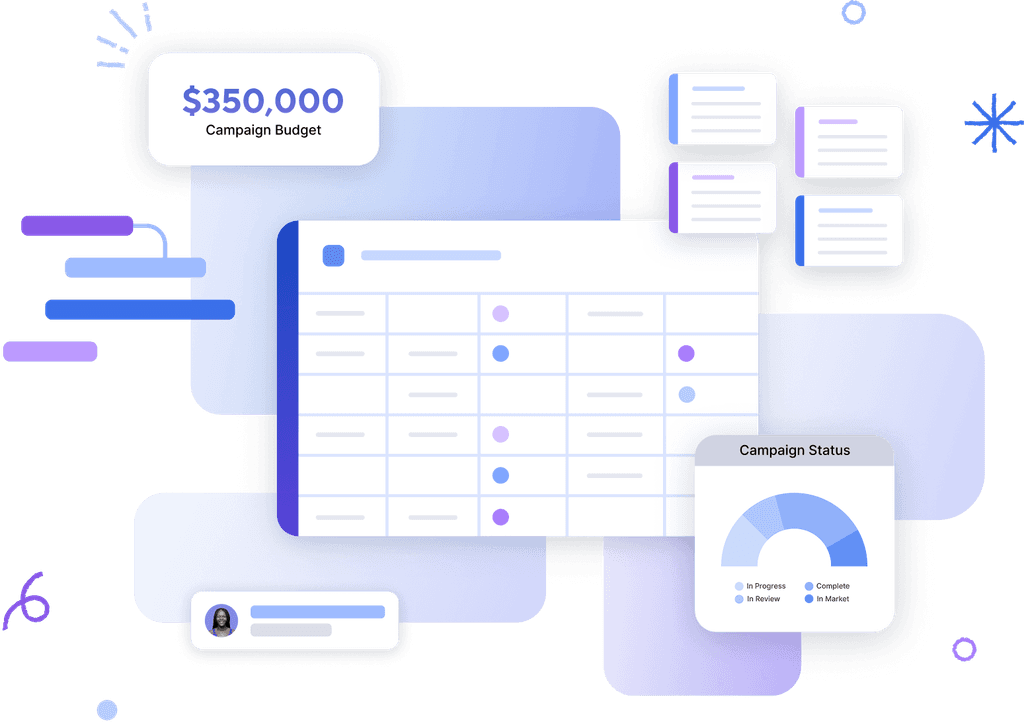
Empty state illustrations feature clean lines and simple shapes with subtle textured elements to add character and highlight moments of delight, complemented by a soft gradient that reflects the brand personality also seen in the product's left navigation bar. Below is a sample of a larger body of work.
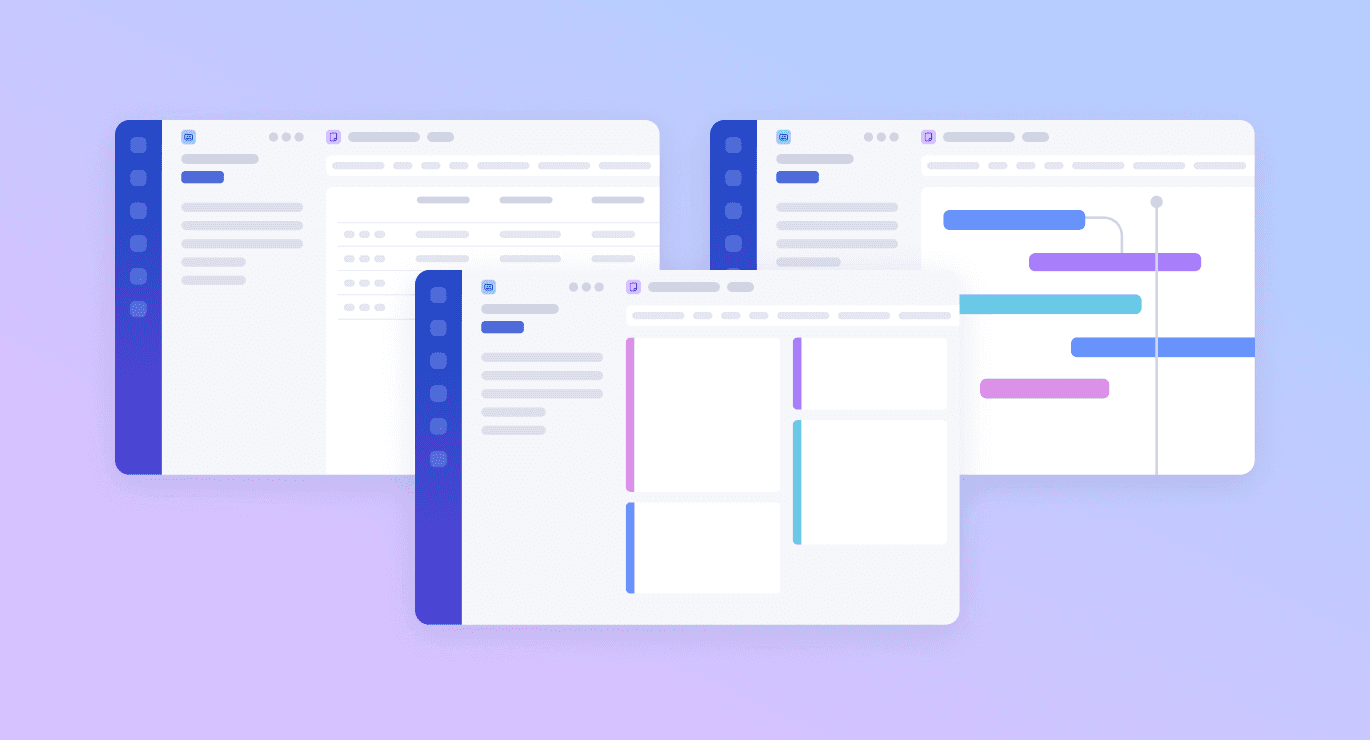
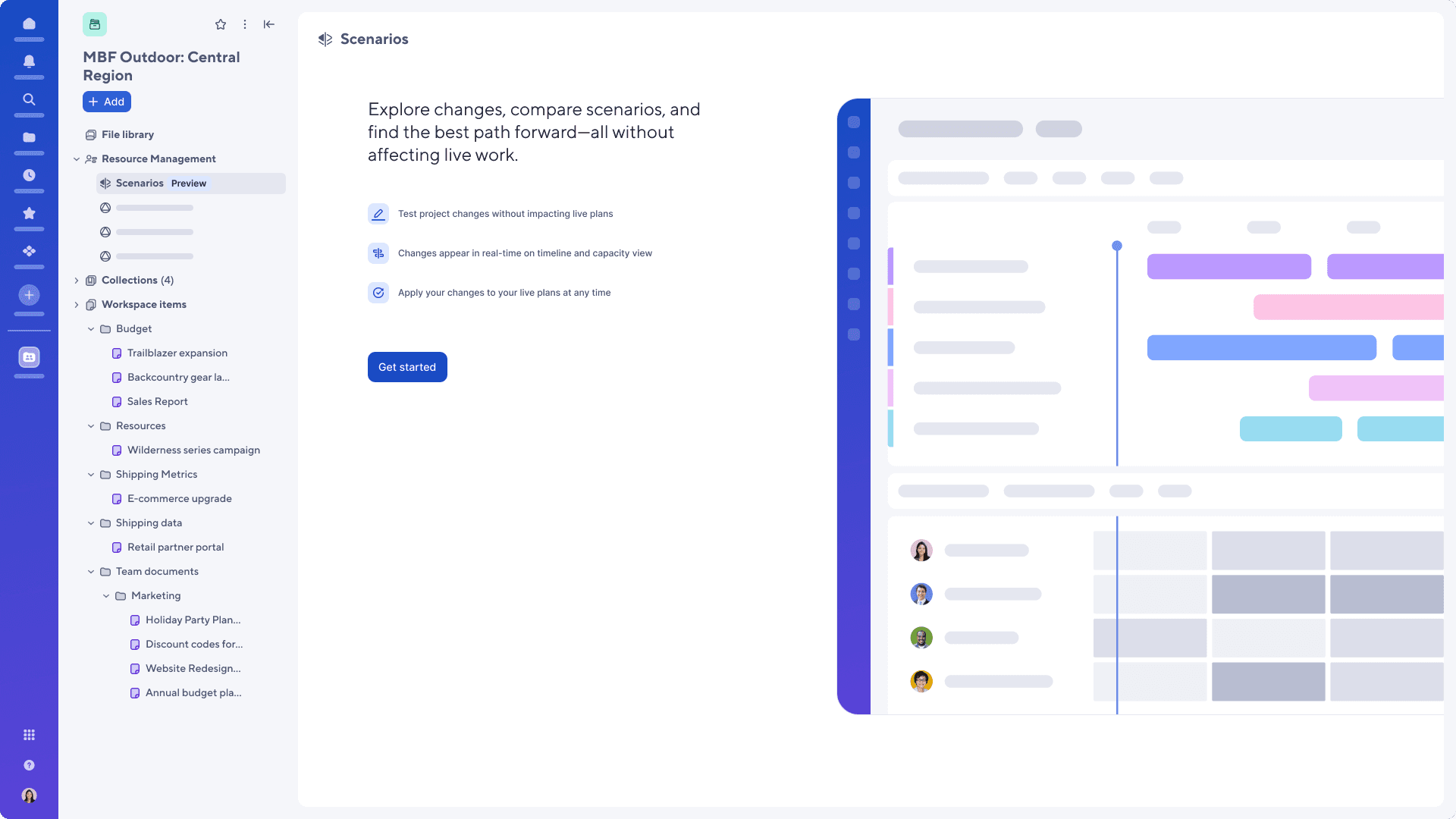
Lo-Fi UI Treatment
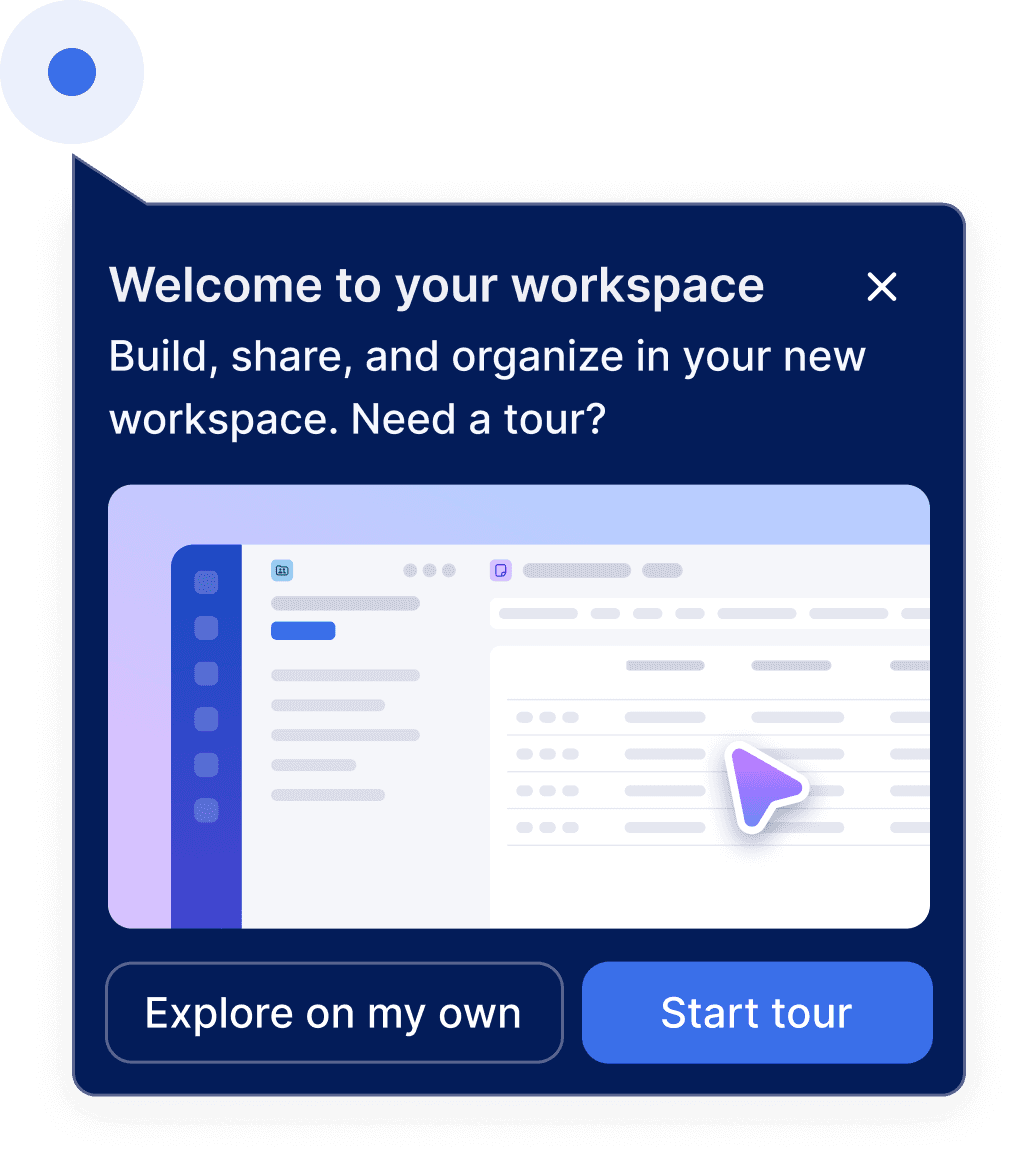
I designed an updated low-fidelity treatment for UI elements used in illustrations for onboarding flows, improving how the product’s core features are visually introduced to new users. The goal was to create a consistent & simplified style that keeps the focus on interaction patterns rather than specific visual details, helping new users quickly understand the product’s functionality.
Illustrative Icons
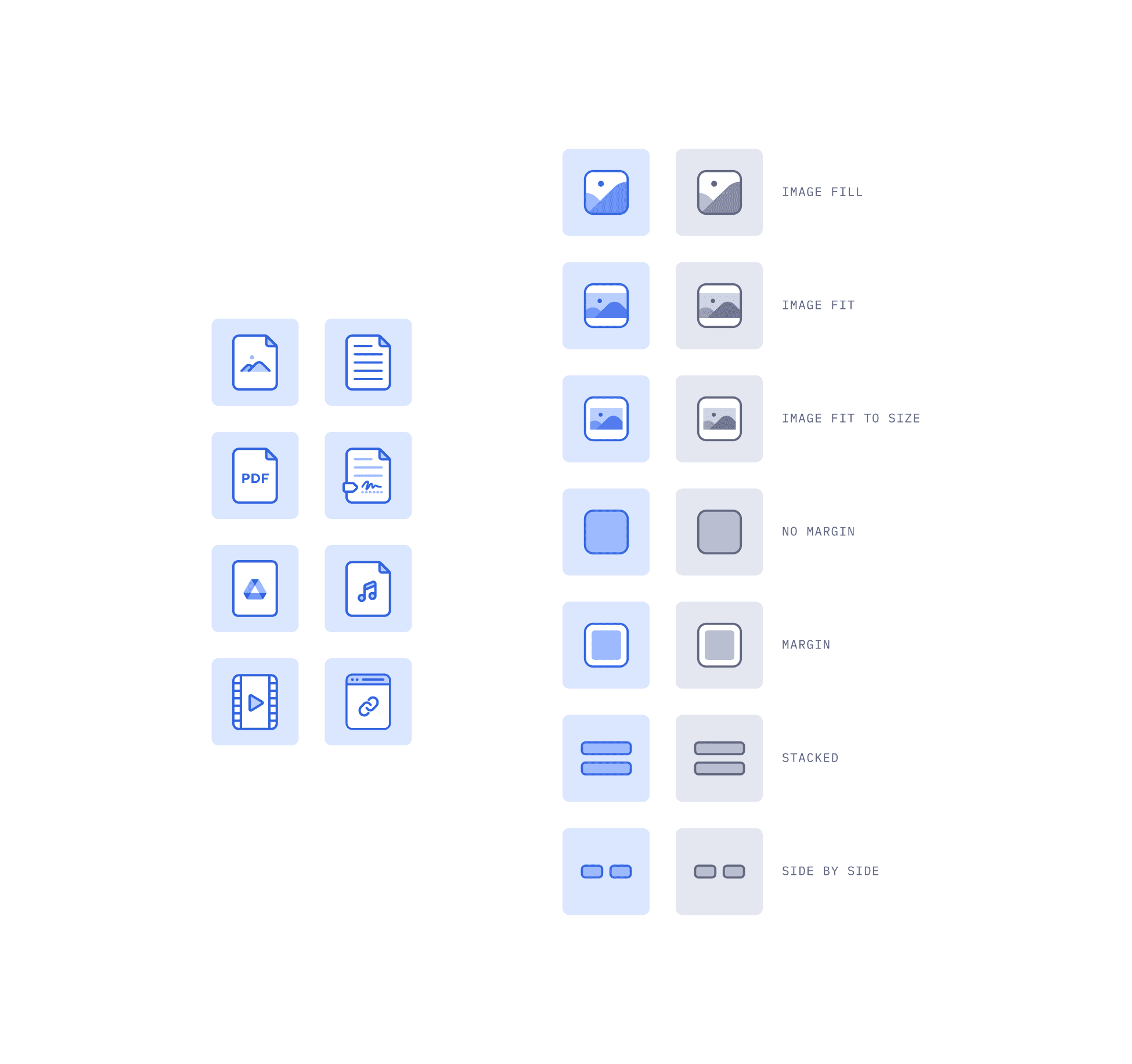
When a visual needs to be more detailed than an icon but less complex than a full illustration, an illustrative icon is used. I designed a series of illustrative icons for areas like the file library and in dashboards.
Background Pattern Treatment
I developed an updated background pattern style that incorporates clean lines and shapes, creating a visual language that is both modern and versatile. The design uses simple geometric forms and consistent spacing to establish rhythm and structure, ensuring the pattern feels intentional without distracting from foreground content.


Documentation
Below is a portion of the documentation I wrote for product illustrations.
Product Illustration Guidelines
Illustrations aid in communicating ideas or actions in a simple way, enhancing engagement and reinforcing Smartsheet’s brand while providing an opportunity for delight.
When to use illustrations:
Onboarding: To offer a friendly first impression and orient users during high-friction setup tasks.
New features: To help users understand new features.
Empty states: To add visual interest to a screen with no content and provide a clear path for what the user should do next.
Error states: To alleviate user frustrations by softening the impact of a system failure or mistake.
Success & milestones: To reward a completed action and provide a moment of delight.
Use illustrations purposefully to support the text, rather than as a substitute for it. Ensure illustrations are appropriate for the message's overall tone and objective.
Illustration types
Hero illustrations
Large illustrations used to convey complex concepts with more detail. Most commonly used for full screen onboarding flows.
Spot illustrations
Medium illustrations used to convey more straightforward concepts. Most commonly used for empty states and error states.
Illustrative icons
Small icon-sized illustrations used to convey a single idea. Most commonly used in list card items or visual pickers.
Accessibility
Provide descriptive alt text.
Illustrations should always be paired with supporting text.
Ensure illustrations meet a 3:1 contrast ratio against the background for low-vision users.
Avoid using text within the illustrations themselves unless it is not required to read it with the supporting text.