Smartsheet
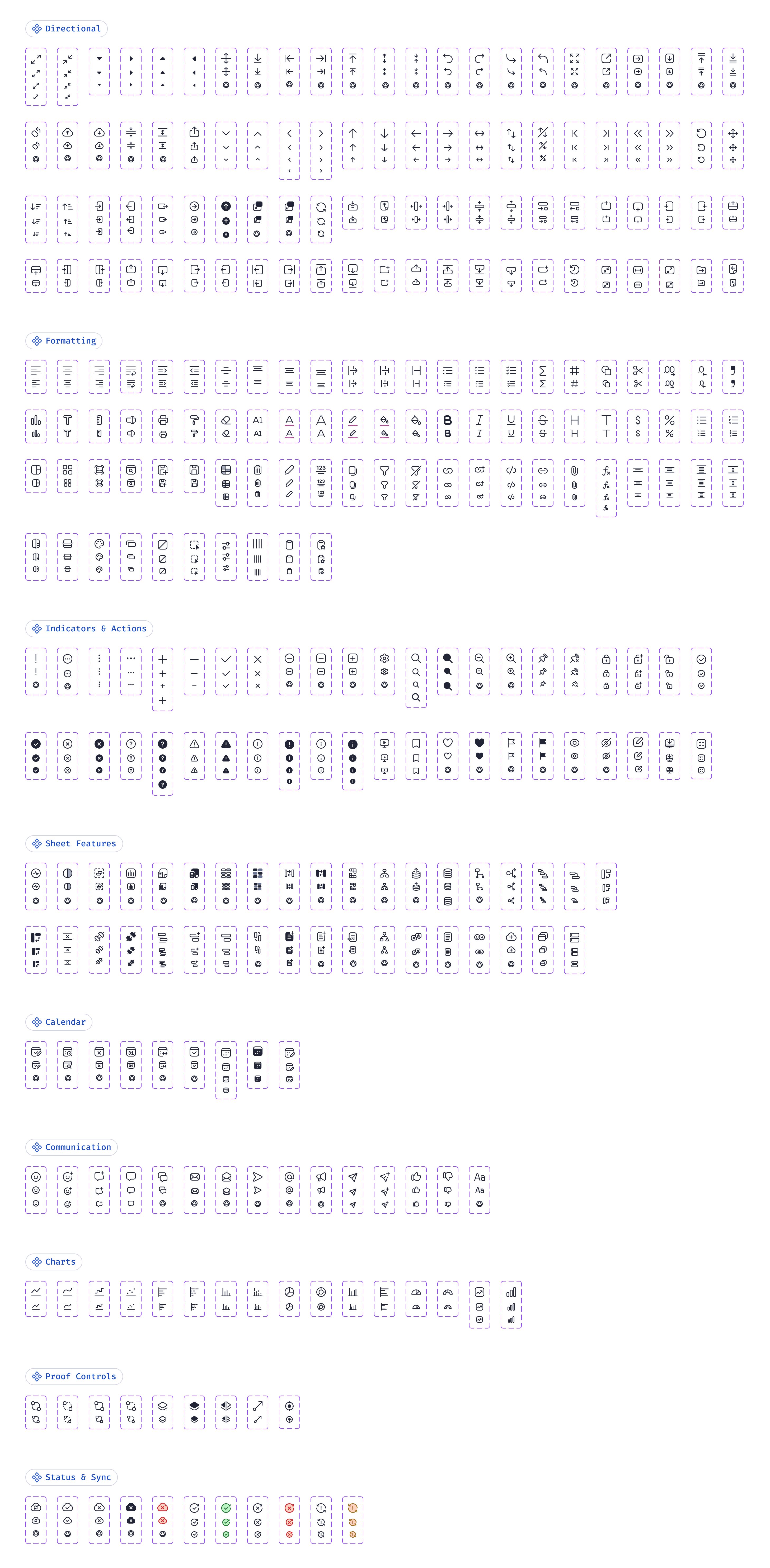
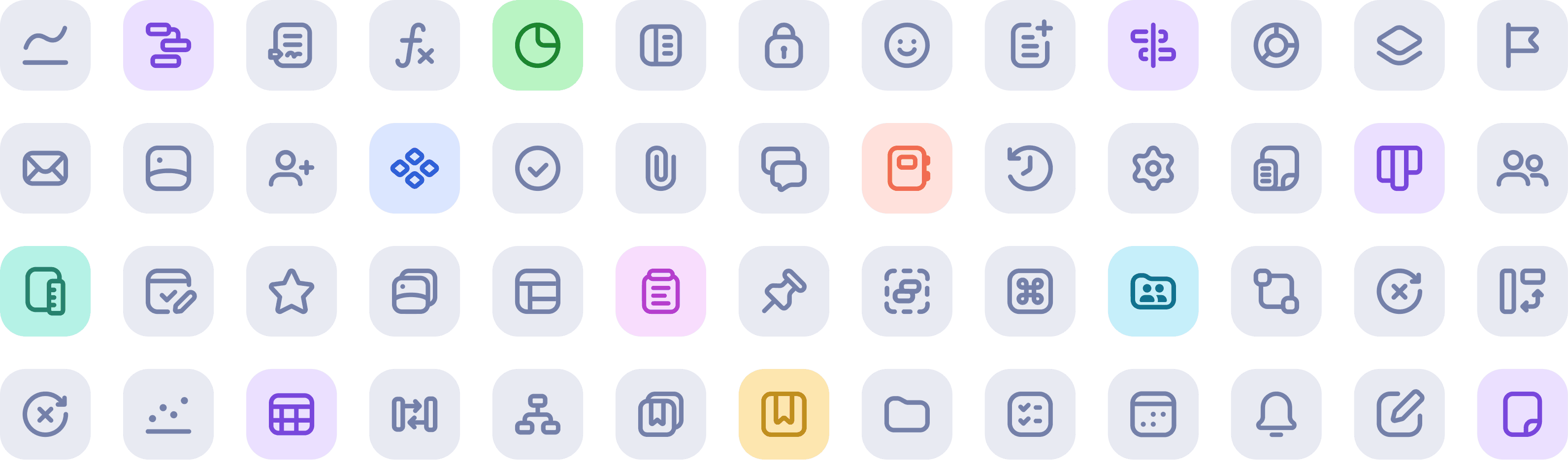
I led the evolution of Smartsheet’s iconography system, redesigning 500+ icons and refining its visual language to improve clarity, cohesion, and accessibility across the platform. I authored comprehensive documentation detailing design specifications, usage guidelines, and best practices for creating icons in Figma. I managed incoming icon requests from teams across the UX organization and I partnered closely with design technologists to ensure consistency between design and implementation in code. I supported cross-functional contributions by helping designers and engineers navigate the icon design and handoff process. Every icon in Smartsheet was crafted with intention, shaping how users navigate, understand, and interact with the the product, creating a unified brand experience.
Role
Lead Product Designer
Before

After

Introducing a refreshed visual style
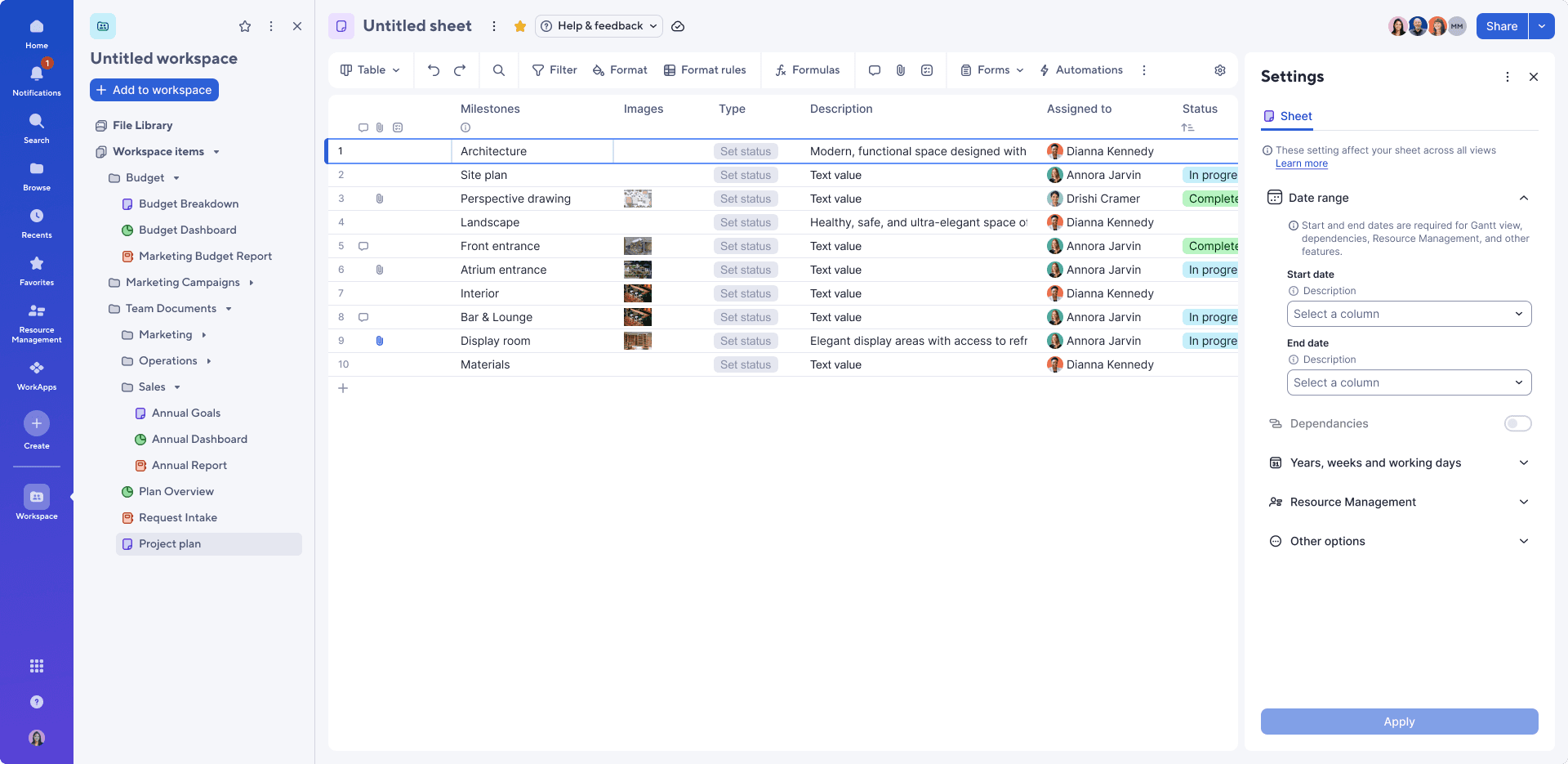
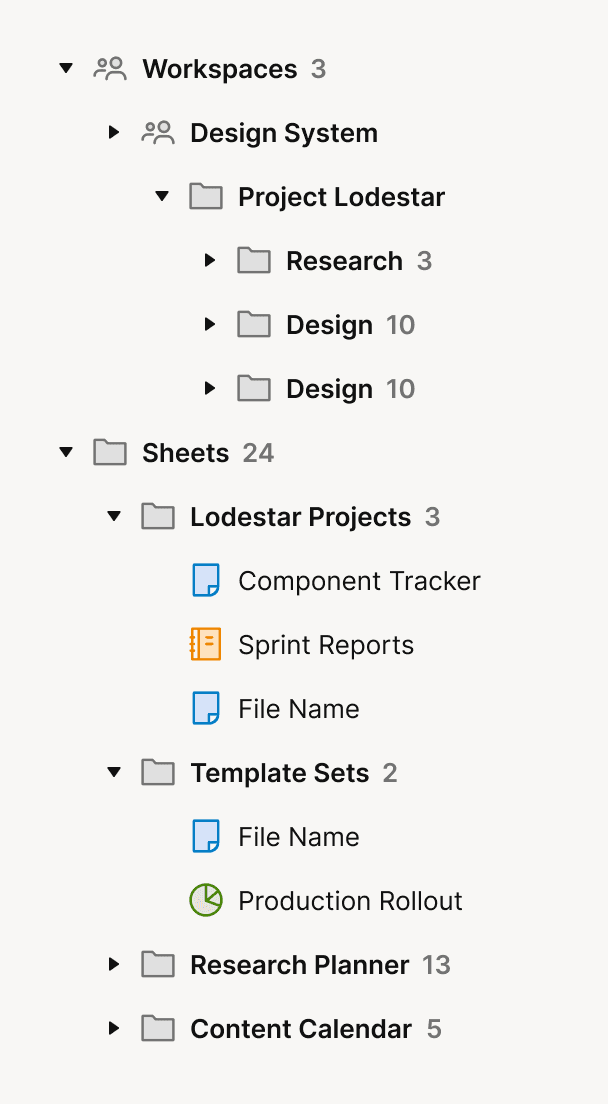
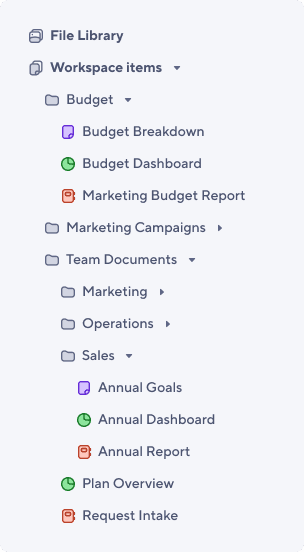
The new Ursa Design System introduced softer, rounder radii across inputs, buttons, and other key UI elements, and I wanted the iconography to feel just as approachable. I revisited the entire icon set, simplifying shapes and smoothing corners so they reflected this updated visual language and remained highly readable at a range of sizes and densities.


Building the icon component library
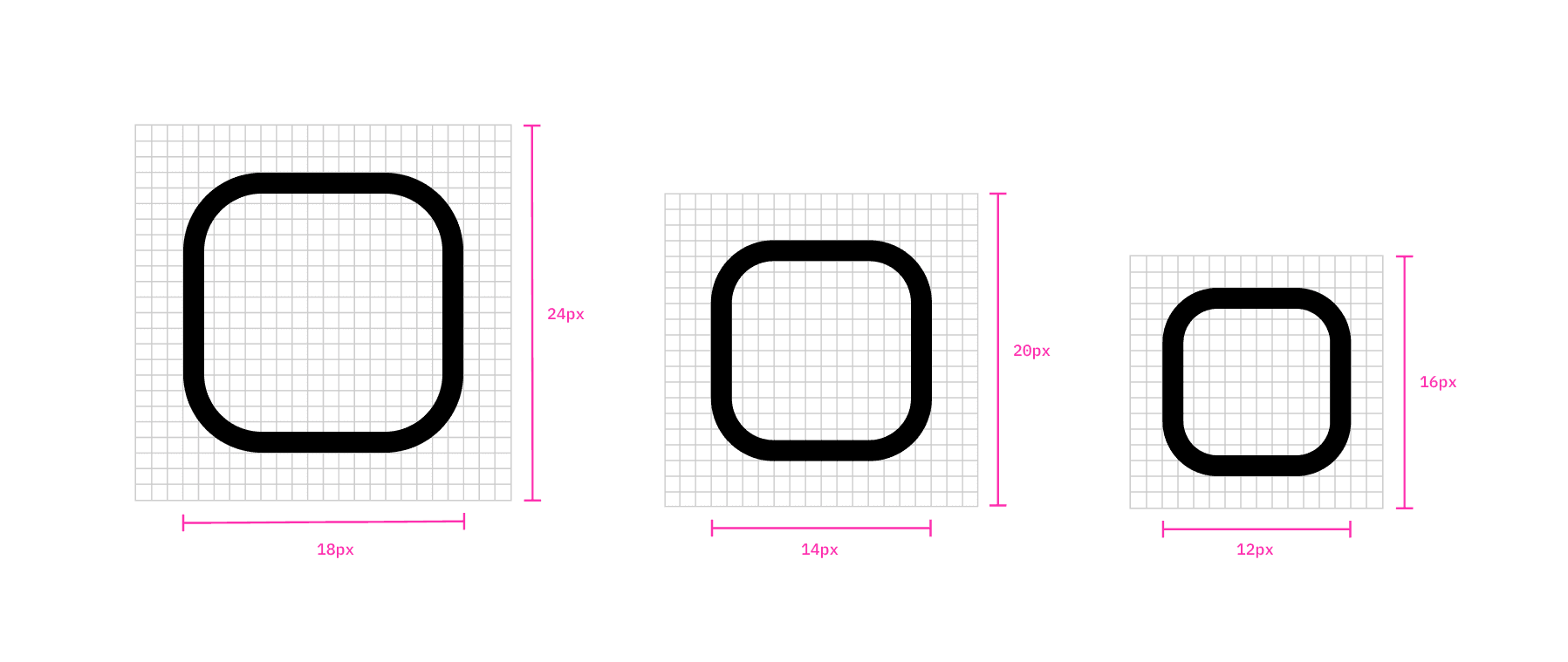
I redesigned 500+ icons (1,500+ total assets across all sizes). Icons were designed in three standard sizes (24px, 20px, and 16px) with built‑in padding applied within their frames to ensure consistent alignment and scalability across components. The library also included detailed documentation outlining the recommended process for creating icons in Figma, along with clear dos and don’ts to maintain visual consistency. I partnered with our design technologists to optimize icon SVGs and ensure a smooth handoff into code.
Icon Request Process
I managed all incoming icon requests from the UX organization through a structured intake form, maintaining and prioritizing requests to ensure we met their deadlines. I was the primary designer to complete icon requests, and depending on capacity, I would assign requests to other design system designers. When a new request came in, I would set up a meeting with the requestor to understand the context: where the icon would appear, what it needed to communicate, and whether an existing icon could be used. Designs were reviewed and approved by the requestor's feature team before being added to the library. Based on the team's timeline, our design technologist would handle adding the icon to the library, or we'd ask the requestor's team to contribute it directly.